
Craft Lab
Craft it. Inspect it.
Build a craft with up to five stickers and a charm. Adjust game coordinates and inspect it in CS2. No inventory or bots needed. Browse the community gallery →
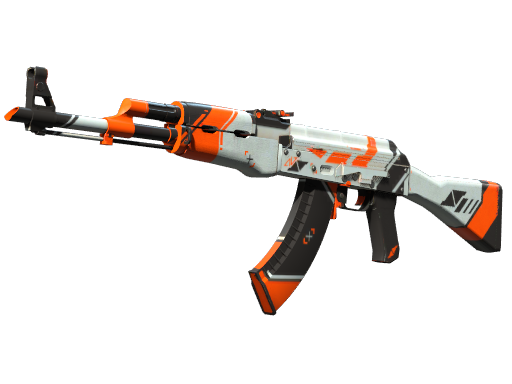
 2
22D reference, not a game render. Custom-positioned stickers stay in the slot strip; custom charms are hidden on this image. The inspect link keeps their coordinates.
AK-47 | Asiimov
Legendary picks
- AK-47 | Asiimov · FN · cheapest, any float$261.15Buy ↗
- paiN Gaming (Glitter) | Copenhagen 2024$1.07Buy ↗
What the parts cost unapplied, from the Skinport price snapshot; it is not what the finished skin sells for. Applied stickers can't be removed intact, and crafted skins rarely resell for the sum. Sticker crafts guide
Opens CS2 through Steam on this computer. A preview only: nothing is added to your inventory.
Read an inspect link
How does the CS2 Craft Lab work?
Pick a skin, float and pattern, add up to five stickers and a charm, then press Inspect in game. Steam opens Counter-Strike 2 and shows that exact combination in the inspect view.
Do I need to own the skin or stickers?
No. The inspect link describes the item, so the game renders it without anything being in your inventory. It is a preview only and can't be traded.
Can I see sticker wear and rotation?
Yes. Each sticker has its own scrape level and rotation, and charms have their own pattern number, all applied in the game preview.